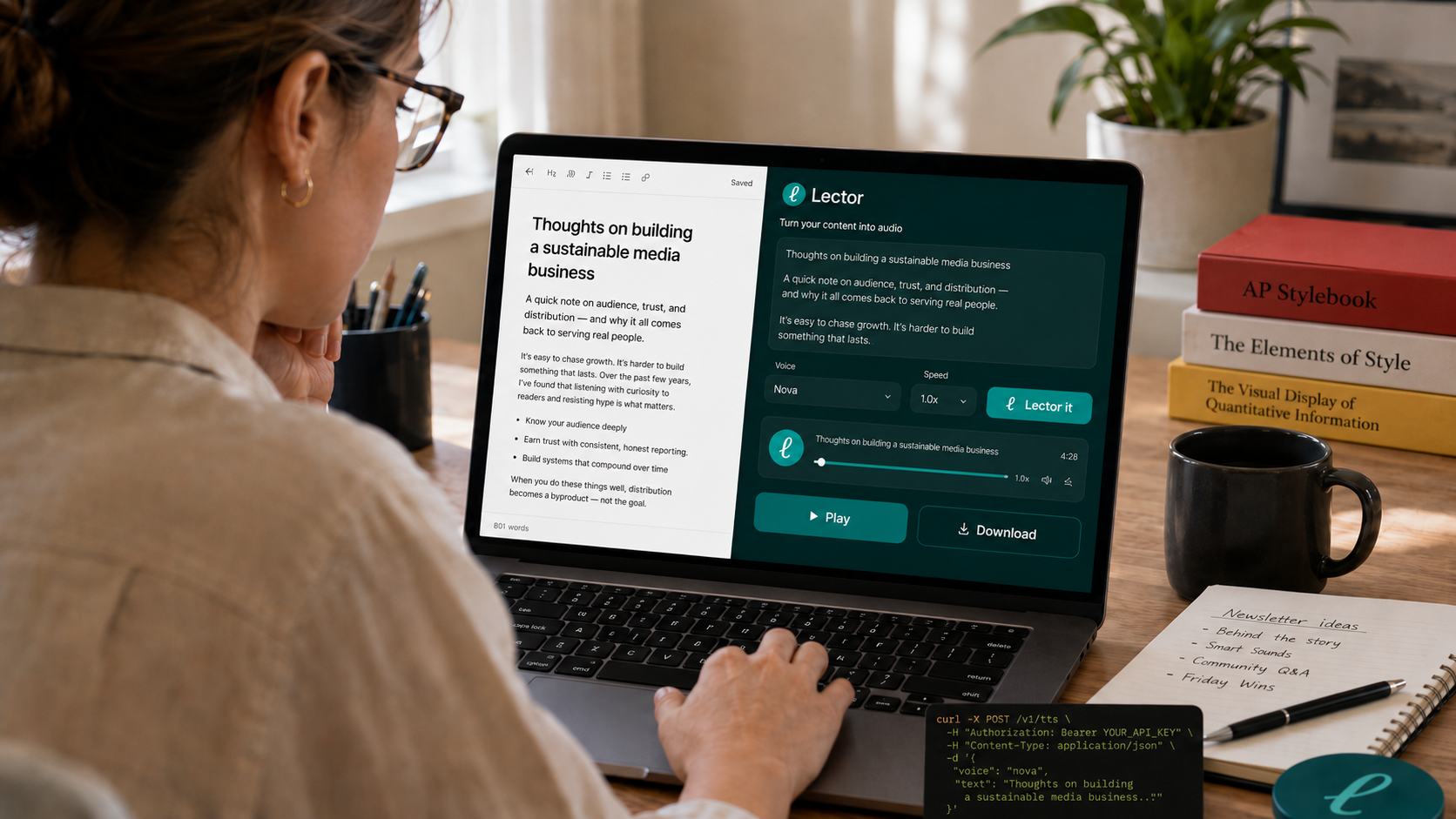
Publishers and newsletter owners spend a lot of time creating useful, thoughtful, timely content. But not every reader is in a position to sit down and read when your article or newsletter arrives. Some are commuting. Some are walking. Some are working through a long queue of tabs. Some are tired of looking at screens. Others rely on audio because reading is difficult or inaccessible.
Lector gives your audience another way in.
With Lector, publishers and newsletter owners can turn their own content into audio. Paste text, add a public article URL, upload a document, or send content through the API, and Lector generates narrated audio that can be played, downloaded, and used as part of your content workflow. It is a simple way to offer an audio version of the material you already create.
This is not about replacing your platform or replacing reading. It is about meeting your audience where they are and using today's fast changing technology to give your audience more ways to stay with you and consume your content.
A reader may want to listen to a newsletter while making coffee. A subscriber may want to hear a long article during a commute. Someone with a visual disability, reading difficulty, eye strain, or screen fatigue may prefer audio. A busy professional may want to keep up with your reporting while moving between meetings. Audio makes consuming your content easier without changing the work itself.
For smaller teams, the Lector Web Player is the easiest place to start.
Add the content you want to narrate, choose a voice, generate the audio, and download it. No production setup. No recording session. No complicated audio workflow. Just your content, turned into a listenable version.
For publishers, media teams, and newsletter businesses with developers or agents, the Lector API makes the workflow easier to scale.
Your team can send articles, newsletters, documents, URLs, image-based text, or internal content structures to Lector and receive narration-ready audio back. Different voices can be selected depending on the brand, the audience, or the type of content being narrated.
Lector is also designed to respect access boundaries.
It does not bypass paywalls. It does not unlock content a user cannot access. It does not give the API, Web Player or Chrome extension access to material that is not already available to the user on their side. If a subscriber can view an article in their own browser, the extension can help turn what they can already access into audio. If they cannot access it, Lector does not magically access it for them.
The goal is simple: help publishers and newsletter owners make their own content easier to consume.
Audio can become a better experience for readers, a stronger accessibility layer, and a new way to keep audiences engaged throughout the day. Your best pieces do not have to wait until someone has time to read. They can be listened to on the go, during a break, while multitasking, or whenever audio is the easier format.
Try the Web Player today and start Lectoring your content for free.
For teams that want to build audio into their publishing workflow, sign up for the Lector API to access more voices, connect your developer team, and give your agents or autonomous systems a narration layer for your content.