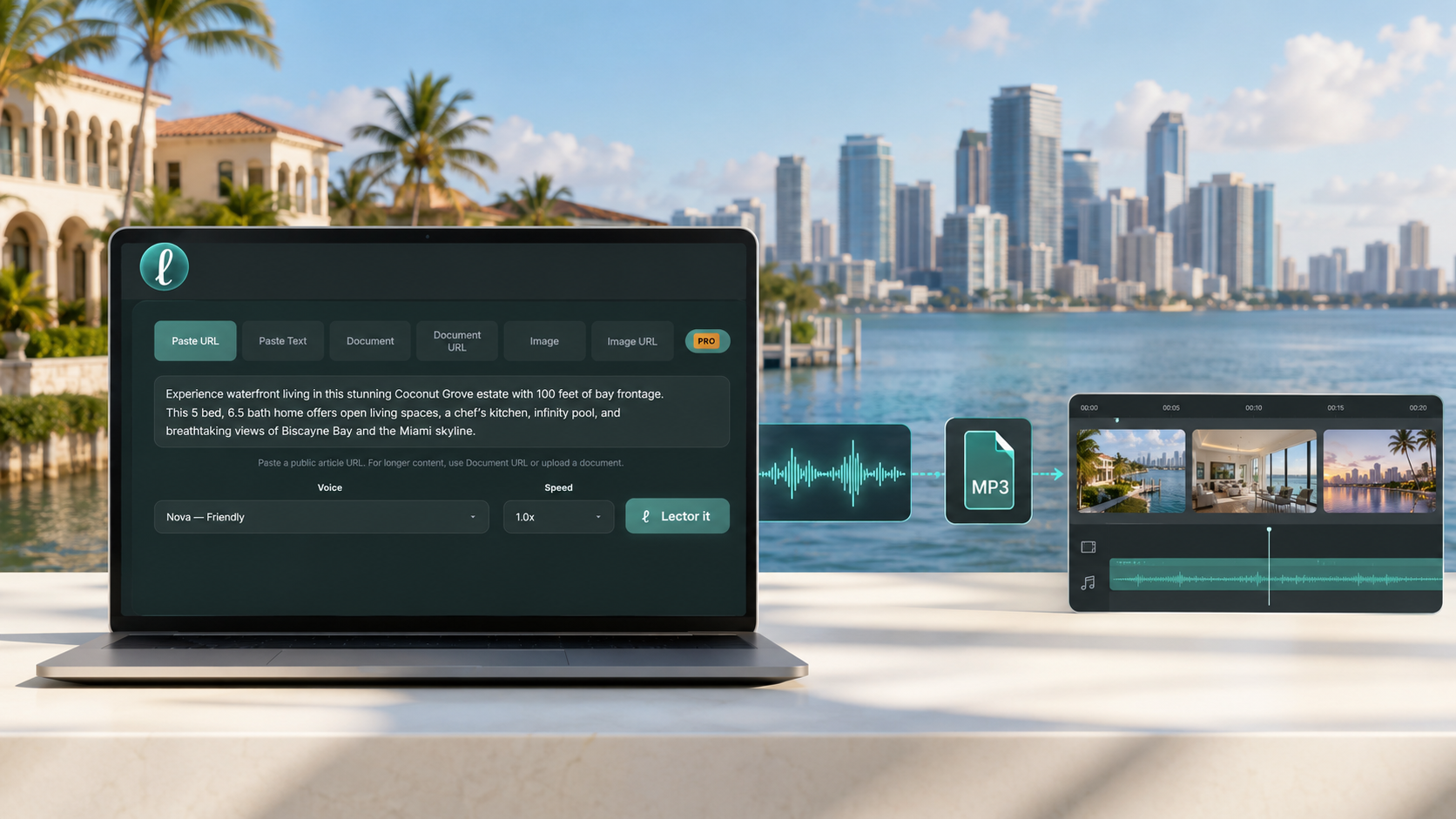
Every day, real estate professionals create content to share with buyers, sellers, investors, and prospective clients.
Listing descriptions, market updates, neighborhood guides, new development launches, social media posts, email campaigns, and property presentations all begin with information that's already been written.
Instead of recording each video yourself, use that content to create professional audio in just a few steps.
Copy the property description, choose a voice and playback speed, and download the audio. Drop it into Canva, CapCut, Premiere Pro, Final Cut Pro, or your preferred video editor.
Start with the content you already have
From listing descriptions and property websites to marketing documents, images, and market reports, Lector fits naturally into your existing workflow.
Listing descriptions
Have a property description ready? Paste it into Lector, choose a voice and playback speed, and download the audio for your next listing video.
Property websites
Marketing a new development or luxury residence? Paste the property's website URL or a link to an article about the property into Lector’s webplayer to turn the published content into audio that you can edit and use throughout your video.
Marketing documents
Developers and listing agents often share digital marketing packages with project details, amenities, floor plans, pricing, and approved descriptions. Upload a local PDF or add the URL to a public Google document and let Lector create the audio for your next video.
Images
Received an image with project details, pricing, or community information? Upload the image to Lector and turn it into audio without manually transcribing or recording it yourself.
Market reports
Many real estate market analysis platforms now generate AI summaries alongside their reports. Copy and paste the summary into Lector, or upload the report itself to create audio for market updates, client presentations, newsletters, or social media.
Your own script
Many real estate professionals already use AI to write listing narrations, video scripts, neighborhood guides, social media captions, and property descriptions. Once you're happy with the wording, paste it into Lector, choose the voice that best fits your brand, and download the audio for your next video.
Create audio for every stage of your marketing
- Property listing videos
- New development launches
- Luxury property showcases
- YouTube Market updates
- Your website’s neighborhood guides
- Buyer and seller educational content
- Social media videos
- Open house promotions
- Email campaigns
- Client presentations
If you already have the content, you're ready to create the audio.